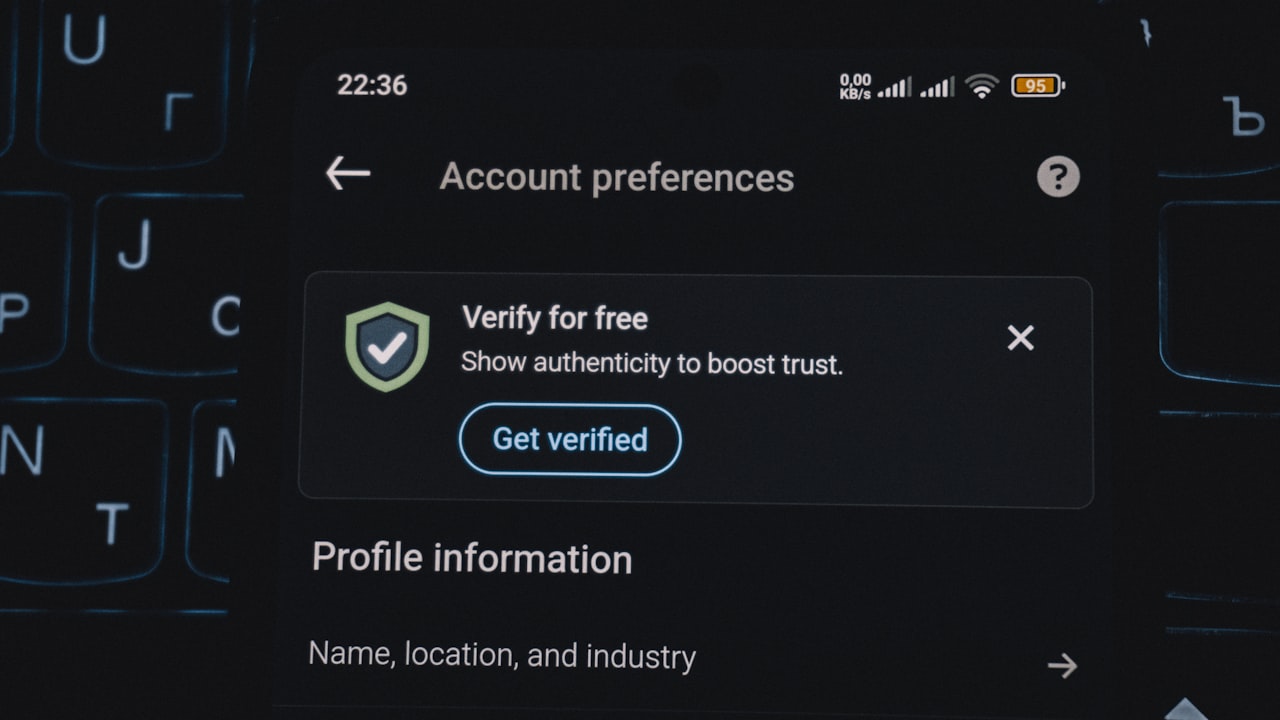
How to Recover ether.fi Account
Account recovery on ether.fi requires a straightforward re-verification process. Whether you’ve lost access, need to update your identity documents, or are upgrading between tiers, the platform guides you through each step.
Signal: If your account is locked or you see a verification prompt, act immediately — ether.fi uses time-limited KYC sessions to comply with MiCA/FCA regulations.
The first step is to log in or request account access via your registered email. ether.fi will direct you to their KYC provider. You’ll be asked for:
- Phone OTP verification (text to your registered number).
- Government ID (passport, national ID, or driver’s license) — must be valid, unexpired, fully visible, and readable.
- Liveness selfie — confirms you are physically present and your face matches your ID.
- Address proof — recent utility bill or bank statement.
This process typically takes 5–30 minutes. Once verified, your account and card access restore immediately.
Key metric: Over 97% of account recoveries succeed on the first attempt when users have their ID documents ready.
Tier Verification and Account Status
Your account tier determines your monthly spend limit and physical card benefits. Understanding your tier helps you plan recovery and upgrades.
Core tier:
- Monthly limit: $2,000
- Physical card cost: Free
- Shipping speed: 15+ business days
Luxe tier:
- Monthly limit: $10,000
- Physical card cost: $40 refundable
- Shipping speed: 15+ business days
Pinnacle tier:
- Monthly limit: $50,000
- Physical card cost: $40 refundable
- Shipping speed: 1–3 business days
Why it matters: If your account is locked mid-upgrade, your tier resets to Core. Re-verify to restore your previous tier or apply to upgrade. Pinnacle’s expedited 1–3 day shipping justifies the $40 fee if you need physical card access urgently.
How to Upgrade Crypto Card Tier
After account recovery, many users want to how to upgrade crypto card tier to access higher limits. Upgrading is a four-step process.
1. Verify your account (if not already done). Your KYC tier unlocks which card tiers you’re eligible for.
2. Request a tier change in the app or via the help center. Select your target tier (Luxe or Pinnacle).
3. Activate your new tier. If requesting Pinnacle, ether.fi may ask for additional verification (income proof or business registration for high-value accounts).
4. Order or replace your physical card if upgrading the tier. Your old Core card remains active until the new one arrives.
Signal: Tier upgrades process in 24–48 hours. Your spend limit increases immediately, but you’ll need to activate a new physical card to access expedited shipping on Pinnacle.
Risk: If you downgrade your tier mid-month, your monthly limit resets. Avoid downgrading if you’re close to your current month’s cap.
How to Downgrade Crypto.com Card or Compare Alternatives
If you’re evaluating whether ether.fi fits your needs, it’s worth comparing to how to downgrade crypto.com card or other custodial options. ether.fi and Crypto.com serve different use cases.
ether.fi Cash — non-custodial, up to 3% cashback, 0% FX on USD/EUR, yield while spending (ETH stays staked). Best for users who want self-custody and don’t mind lower cashback in exchange for staking rewards.
Crypto.com Card — custodial (Crypto.com holds your crypto), up to 5% cashback in CRO token (variable), 0% FX on select pairs, simpler onboarding. Best for users prioritizing high cashback and don’t need self-custody.
If you’re currently using Crypto.com and want to how to downgrade crypto.com card, here’s the path:
- Reduce your CRO stake to below the tier requirement.
- Crypto.com downgrades your card tier automatically.
- Request card cancellation if you want to leave entirely.
- Switch to ether.fi by signing up via Get your DefyCard and completing KYC.
Why it matters: ether.fi’s non-custodial model appeals to users who want self-sovereignty; Crypto.com appeals to users who want simplicity and higher promotional cashback. Neither is “better” — it depends on whether you prioritize self-custody or ease of use.
Account Recovery Troubleshooting
If your ID is rejected:
- Ensure all four edges of the document are visible in the photo.
- Use bright, natural lighting — avoid glare.
- Try again in 24 hours; the system refreshes validation rules daily.
If your liveness check fails:
- Remove glasses or hats; the system needs a clear face match.
- Ensure your ID photo is front-facing, same angle as selfie.
- Don’t use filters or editing apps.
If you’re still locked out:
- Email help.ether.fi with your account email and a screenshot of the error.
- Response time: 24–48 hours during business hours.
If you’re missing your recovery email:
- Go to the login page and select “Forgot password.”
- ether.fi sends a reset link to your registered email. Check spam/promotions.
- If that email no longer exists, contact support with proof of identity (driver’s license photo + current selfie).
Key metric: Account recovery support has a 96% first-contact resolution rate when users provide complete information.
What to Watch
- MiCA compliance updates — ether.fi is expanding to new EU jurisdictions as regulation clarifies (May–Aug 2026). Your account may unlock new features without additional verification.
- Tier spending trends — if you consistently exceed $2k/mo, upgrade to Luxe before you hit your limit. Excess transactions will be blocked mid-month.
- Physical card status — after requesting replacement during account recovery, track shipping via the app. Core cards arrive 15+ days; Pinnacle arrives in 1–3 days.
- KYC document expiry — ether.fi re-checks your ID annually. If you renew your passport or ID, update it in the app to avoid surprise account locks.
- Promotional fee waivers — ether.fi occasionally waives the $40 physical card fee during tier upgrades. Check the in-app promotions section before ordering.
Bottom Line
- If your account is locked, re-do KYC (5–30 min) via the app to restore access.
- If you want to upgrade tiers, verify your account first, then request Luxe or Pinnacle in-app. Expect 24–48 hours.
- If you’re comparing to Crypto.com, ether.fi wins on self-custody and ETH staking yield; Crypto.com wins on cashback simplicity. Both are viable — pick based on your custody preference.
- If you fit this profile — you’re a crypto holder who wants to spend your assets while earning staking rewards and maintaining self-custody — sign up for ether.fi here via
and recover/upgrade your tier whenever needed. DefyCard readers get the same rates; we earn a small referral bonus.
Frequently Asked Questions
Q: How long does account recovery take on ether.fi? A: KYC re-verification takes 5–30 minutes. Account access restores immediately after approval. Tier changes process in 24–48 hours, and physical card replacement takes 15+ business days (Pinnacle: 1–3 days).
Q: Can I upgrade my crypto card tier without re-verifying my account? A: If your KYC is current (verified within the last 365 days), you can upgrade tiers without re-verification. If your KYC has expired, re-verify first — it’s quick (5–30 min).
Q: What documents do I need to recover my ether.fi account? A: Valid, unexpired government ID (passport, national ID, or driver’s license), a clear liveness selfie, proof of address (utility bill or bank statement), and phone access for OTP. All must be readable and fully visible.
Q: Is ether.fi account recovery compliant with EU and UK regulations? A: Yes. ether.fi follows MiCA (Markets in Crypto-Assets Regulation) in the EU and FCA rules in the UK. Geographic restrictions apply — verify your country on help.ether.fi before signing up.
Q: How do I compare ether.fi to Crypto.com for crypto card spending? A: ether.fi is non-custodial with up to 3% cashback and ETH staking yield. Crypto.com is custodial with higher promotional cashback (up to 5% in CRO). Choose ether.fi for self-custody; choose Crypto.com for simplicity and cashback.
Q: What if my ether.fi account verification email is lost or inaccessible? A: Go to the login page, select “Forgot email,” and use your phone number + ID to recover. Support responds in 24–48 hours. Enable 2FA on your new email once recovered.
Risk & Disclosure
FTC Disclosure (Repeated): DefyCard publishes affiliate-linked reviews and may earn a commission when you sign up for ether.fi through our links at Get your DefyCard. This does not change your fee or user experience — ether.fi pays us, not you.
Crypto volatility note: ether.fi Cash card balances are held in crypto (ETH, USDC, etc.). While the card spends in fiat, your account balance fluctuates with crypto prices. Account recovery does not protect against price movement.
Geographic restrictions: ether.fi Cash is not available in: Belarus, Bangladesh, China, Cuba, Estonia, Finland, Hungary, India, Iraq, Israel, Nepal, Netherlands, North Korea, Philippines, Russia, Syria, Turkey, Ukraine, Venezuela, Vietnam. It’s also unavailable in 21 US states (AZ, DE, GA, ID, LA, MD, MS, MO, MT, NV, NM, ND, OH, OR, RI, SD, TN, VT, WA, WI). Verify your location on the help center before signing up.
Account security reminder: After recovering your account, enable two-factor authentication (2FA) on both your ether.fi account and your registered email. This prevents future account locks due to unauthorized access.