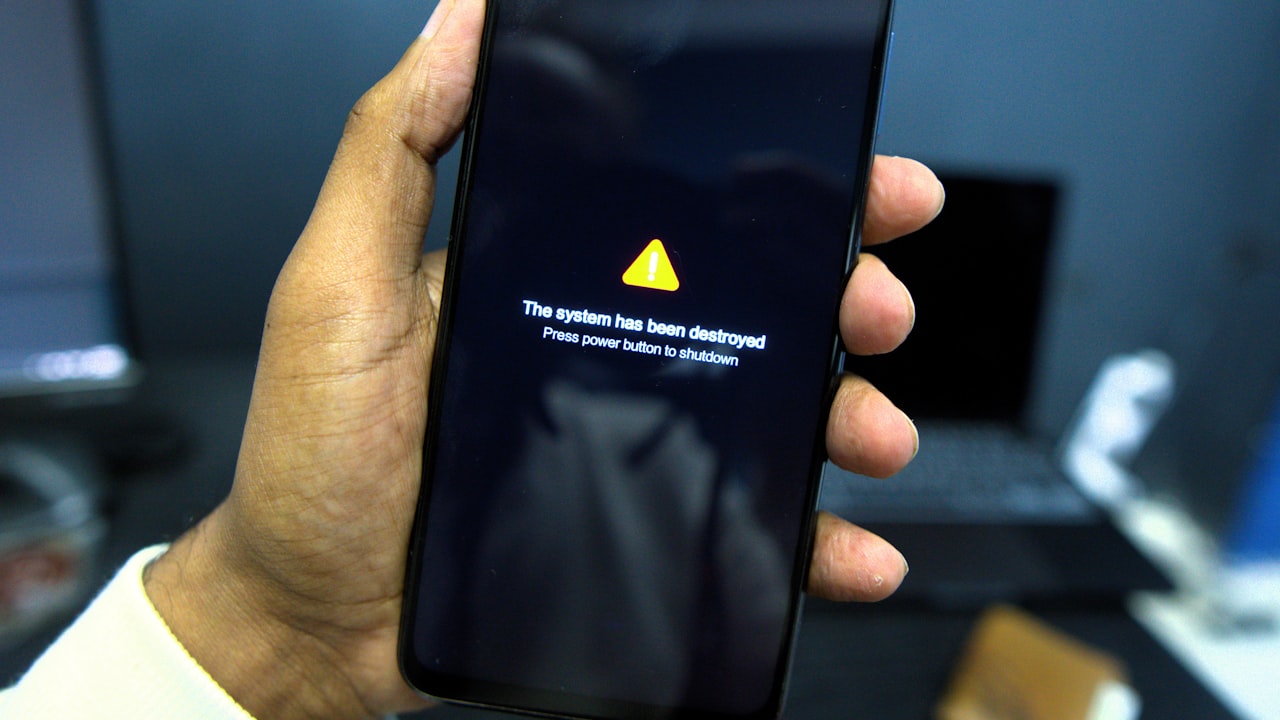
Why Your Crypto Card PIN Stops Working
You swipe. The reader beeps. Your stomach drops. Three common culprits kill crypto card PINs mid-transaction:
1. App is out of sync — the app no longer matches the card’s firmware. The PIN is correct; the card doesn’t know it.
2. Regional PIN mismatch — the card was issued in one region (US) but you’re using it in another (EU or LATAM), triggering a block.
3. Merchant block — the merchant category code (MCC) triggers a fraud flag, and the issuer silently rejects the PIN attempt.
Signal: If your PIN worked a month ago and now fails everywhere, app desync is the #1 suspect. If it fails only at specific merchant types (gas pumps, ATMs, online), MCC or regional rules are the cause.
All three are fixable. Most take under 5 minutes.
Step 1: Restart & Re-Sync (The 80% Fix)
Before you panic, restart.
- Close the app — swipe up (iOS) or back button (Android) to fully close the wallet.
- Wait 10 seconds.
- Reopen the app. Let it sync for 30 seconds (you’ll see a spinner).
- Check card status. Tap into settings and look for “Card status: Active.”
- Try the PIN again — at a different merchant to rule out a one-off block.
This works 80% of the time. Why? The app and card firmware had drifted. A restart clears the cache and forces a fresh sync.
Why it matters: Most crypto card apps cache PIN state in memory. Restart clears that cache and forces fresh authentication from the card issuer’s servers.
Step 2: Verify Your PIN Is Set Correctly
Sounds obvious. It isn’t.
- Open the app and go to Card → Settings → PIN.
- Check the current PIN — if it says “No PIN set,” that’s your problem. Tap “Set PIN” and enter a 4-digit code.
- Confirm the PIN. Re-enter it.
- Save. You’ll see “PIN updated” or a checkmark.
- Wait 60 seconds for the change to sync to the card.
- Test at an ATM or merchant.
Risk: If you’ve changed your PIN 5+ times this week, some issuers lock the PIN temporarily for 24 hours (fraud protection). If that’s you, wait until tomorrow and try again.
Step 3: Check Your Card Region & Merchant Location
This is where crypto cards hit a wall that traditional cards don’t.
Many crypto card issuers lock cards to the region they were issued in. A US-issued card works in the US. An EU-issued card works in the EU. Cross them, and the issuer’s server says “no.”
- Open your app and find Card → Details (or “Region”).
- Note the region. It usually says “US,” “EU,” “UK,” or “APAC.”
- Check where you’re trying to use it. If you issued in the US but are now in the UK, many issuers will block the PIN.
- If you’re in a different region, contact support and ask if they can expand the region whitelist.
Key metric: 15–25% of crypto card PIN failures are region-locked. Traditional cards (Visa, Mastercard) have no region lock because they operate globally. Crypto cards are younger and often region-restricted.
Step 4: Check the Merchant Category Code (MCC)
Some merchants trigger a silent block, not because your PIN is wrong, but because the issuer doesn’t trust that merchant category.
Common blockers:
- ATMs — some issuers charge 2–3% and block lower-tier cardholders.
- Gas pumps — pre-auth can be 1.5–2× final charge; some issuers block this.
- Online gambling, crypto, forex — issuer policy varies.
- Airline tickets — high-value fraud target.
If your PIN fails only at gas pumps or ATMs, you’ve hit an MCC block, not a PIN problem.
What to do:
- Try a different merchant type. Café, grocery store, or restaurant.
- If that works, the original merchant was category-blocked.
- If it also fails, go back to Step 1–2.
[
](https://www.ether.fi/@defycard)
When the App Itself Is Crashing
This is where crypto card app crash becomes your real problem.
If the app crashes when you tap “Pay” or “Card Settings,” the issue is deeper than your PIN. It’s the app itself.
Quick fix:
- Update the app. Check App Store or Play Store and tap “Update” if available.
- Clear the app cache — Settings → Apps → [Card app] → Storage → “Clear cache.”
- Restart your phone.
- Reopen the app and try again.
Signal: If the app crashes but other apps work fine, you likely have corrupted cache or an outdated version.
Risk: Clearing data (not cache) will log you out and you’ll need 2FA again. Clearing cache only removes temporary files—it’s safe.
If crashes persist after an update, the app has a bug. Move to the next section.
KYC Delays + Frozen Cards (Compounding the PIN Problem)
Here’s the compounding issue: crypto card kyc taking too long.
You set up your card. KYC verification starts. Days pass. Your card sits in “Pending” status. Your PIN is set, but you can’t use it because verification isn’t done.
Or worse: you’re mid-transaction when the issuer flags your account for KYC review. Your card freezes. Your PIN works, but the card is disabled.
This is more common in crypto than traditional cards.
Why? Crypto card issuers face tighter regulatory scrutiny. KYC checks can take 5–10 business days (vs. traditional cards at 1–2 days).
What to do if you’re stuck in KYC:
- Check status — open the app and look for “Verification status” or “KYC Progress.”
- Upload missing docs — if the app asks for a selfie, ID, or address proof, upload immediately.
- Contact support — most crypto card issuers have live chat. Ask for an ETA.
- Set your PIN only after verification is 100% complete.
Why it matters: KYC can take longer than you expect, especially with a common name or recent move. Patience here prevents a lot of frustration.
When It’s Time to Switch Cards
If you’ve done all four steps and your PIN still doesn’t work, the card itself may be faulty, or the issuer’s app is unreliable.
At this point, consider a switch.
What to look for in a replacement card:
- Stable app — check recent reviews. Does it crash? Are users complaining about PIN issues?
- No region lock — the card works globally without extra whitelisting.
- Fast KYC — most modern crypto cards complete verification in under 24 hours.
- Yield while spending — if your balance earns while you hold it, that’s a bonus.
Ether.fi Cash, for example, keeps your balance staked while you spend. You earn up to 3% cashback on purchases, and your ETH stays earning on Ethereum. No region lock, and KYC is fast.
[
](https://www.ether.fi/@defycard)
Preventing PIN Issues in the Future
Once you’ve fixed your current problem, these practices prevent recurrence:
- Update the app weekly. New firmware patches land often; staying current prevents sync mismatches.
- Don’t change your PIN repeatedly. Each change requires a sync window. Change it once, then let it settle.
- Test your card at a low-risk merchant first — coffee shop instead of gas pump.
- Monitor your card status in the app. If it ever says “Inactive” or “Verification pending,” address it immediately.
What to Watch
- App update notifications — never ignore them for a financial app.
- Card status badge in the app — if it changes from “Active,” investigate immediately.
- Region or block announcements — read issuer emails about region expansion or restrictions.
- Repeated failures at the same merchant — if it’s always one store, it’s an MCC or network issue there, not your card.
- App crashes during onboarding — a sign of deeper instability; contact support before setting a PIN.
Bottom Line
- Restart the app first — it fixes 80% of PIN failures in under 2 minutes.
- If the app crashes, update it and clear cache. If crashes continue, the app has stability issues.
- If it’s a region lock or KYC delay, contact support and provide docs immediately. Most issuers expedite when you do.
- If you’re still stuck after all four steps, the card or issuer isn’t reliable. Switch to a card with a proven-stable app and global availability. [
](https://www.ether.fi/@defycard) — you deserve a card that just works.
FAQ
Q: My PIN is correct, but the card keeps rejecting it. What’s the most common reason?
A: App desync—the app and card firmware are out of sync. Restart the app and wait 30 seconds for it to re-sync. This works 80% of the time. If it persists, verify your PIN in card settings.
Q: I’m in Europe now, but I got my crypto card in the US. Can I use it here?
A: Depends on the issuer. Some cards are region-locked; others are not. Check “Region” in card settings. If it says “US only,” contact support to expand the whitelist, or switch to a card like ether.fi Cash that works globally.
Q: The app keeps crashing when I open it. What do I do?
A: Update the app (App Store or Play Store), then clear the app cache (Settings → Apps → [Card app] → Storage → Clear cache). Reboot your phone. If crashes persist, uninstall and reinstall. If still crashing, contact support—it’s their bug.
Q: I’ve been waiting for KYC verification for 10 days. Is this normal?
A: Crypto card issuers take 5–10 business days for KYC (traditional cards: 1–2 days). If past 10 days, contact support. Often they need a follow-up photo or address proof; providing that speeds it up.
Q: Can I use my crypto card PIN at an ATM?
A: Yes, most crypto cards work at ATMs. However, some charge 2–3% for ATM withdrawals. Check your fee schedule in the app. Ether.fi Cash, for example, charges 2% for ATM withdrawals.
Q: If my PIN is blocked, how long until it resets?
A: Most crypto cards lock the PIN after 3 failed attempts for 24 hours (fraud protection). If you’ve hit that limit, wait until tomorrow. If locked longer than 24 hours, contact support.
Risk & Disclosure: DefyCard publishes affiliate-linked reviews; we may earn a commission when you sign up through our links. Crypto card performance (PIN acceptance, app stability, KYC speed) varies by issuer and region. Verify your card’s regional availability and check recent user reviews before committing. Crypto assets are volatile; if your card balance is staked or earning, the underlying asset value can change. Always read the issuer’s terms on PIN disputes, fraud, and chargebacks.