Why Crypto Cards Decline More Than Traditional Cards
When you swipe a traditional credit card, the merchant gets a “yes” or “no” within milliseconds. The decision is straightforward: check your credit limit, check fraud patterns, process the charge. Crypto cards don’t work that way.
Crypto issuers face unique regulatory pressures. Regulators (SEC, CFTC, and international equivalents) treat crypto differently. They flag high-frequency transactions, geographic mismatches, and unusual merchants with urgency. A Visa issuer processing a crypto card declined decision must thread the needle: move fast (users expect instant payments) but also stay compliant (regulators expect airtight AML/KYC audits).
Why it matters: crypto cards inherit this tension. Merchants see declines. Users see blocked transactions. Issuers see compliance risk everywhere.
Signal: if your crypto card was declined on a transaction that would clear on a traditional Visa, the issuer is applying crypto-specific friction — not a personal-credit thing, but regulatory caution.

The 5 Most Common Reasons Your Crypto Card Was Declined
1. KYC Mismatch (Name, Address, ID)
You verified your KYC when you opened the account. But if you’ve moved, changed your legal name, or your documents expired, the issuer’s KYC database is stale. A crypto card declined by issuer often means your identity data no longer matches their records.
How to check: Log into your card app → Profile → KYC Status. Most issuers now show you the exact data they hold.
How to fix: Update your address, re-verify your ID. Allow 24–48 hours for re-verification. Don’t spend until you see a green “verified” status.
2. Geographic Mismatch
You set up your card in New York. You’re now traveling in Thailand and try to buy coffee. The issuer’s risk model sees: transaction origin (Thailand), billing address (New York), IP address (Thailand via hotel WiFi). Three mismatches = friction. Decline.
How to check: Open your card app settings for “transaction notifications” or “alert preferences.”
How to fix: (a) Use a VPN routed to your home country, or (b) notify the issuer of travel plans via a “travel mode” toggle (if available), or (c) temporarily update your billing address to match your current location.
3. Transaction Velocity (Too Many, Too Fast)
You stress-test your new card and do 10 transactions in 5 minutes. The issuer’s velocity-check algorithm flags this as either a stolen-card scenario or bot activity. Decline.
How to check: Most apps log transaction attempts. Look for multiple declines clustered in time.
How to fix: Space transactions out — wait 5–10 minutes between purchases. Issuers typically reset velocity checks hourly.
4. Merchant Category Blocked
You try to spend at a casino, forex exchange, or high-risk merchant. Crypto issuers block these categories outright — not a mistake, it’s policy. Casinos and forex carry chargeback risk; crypto-card issuers don’t touch them.
How to check: Your card app should list blocked merchants under “Restrictions” or “Blocked Categories.”
How to fix: Use a traditional card for these merchants. Crypto cards are commerce tools, not cash-advance tools. Respect the guardrails.
5. Spending Limit Exceeded
Every crypto card has a monthly spend cap. ether.fi Cash caps Core tier at $2,000/month, Luxe at $10,000, Pinnacle at $50,000. When you hit the limit mid-transaction, you’re declined.
How to check: Your card app shows current-month spend under “Account” or “Spending Dashboard.”
How to fix: Wait for the month to reset, or upgrade your tier (if available).
Risk: understand your tier limit before you spend heavily — a declined transaction at checkout is embarrassing and can trigger fraud reviews.

Why ether.fi Cash Rarely Declines (vs. Crypto.com)
Crypto.com’s card is the market leader — 10M+ users, $50B+ annual spend. But Crypto.com’s model is custodial: they hold your crypto. That creates operational friction.
ether.fi Cash is non-custodial. You hold your ETH. When you spend, ether.fi’s backend converts ETH to fiat in real-time using a Visa partner. No middleman, no extra risk layers.
Why it matters: non-custodial architecture means fewer decline triggers. Crypto.com’s compliance team checks two databases (yours + theirs). ether.fi’s team checks one: yours. Fewer checks = faster transactions = fewer false declines. Users report a 60–80 % drop in decline rate after switching from custodial to non-custodial cards.
Signal: if you’re tired of Crypto.com card rejections, switching to ether.fi typically fixes the problem within 48 hours of your first transaction.
Alternative: if ether.fi isn’t available in your region, RedotPay (the market leader in on-chain card volume by transaction count) uses a similar non-custodial architecture with comparable decline rates. Both beat custodial competitors.
How to Fix a Declined Transaction (Right Now)
Step 1: Identify the Decline Code
When your card is declined, the issuer sends a code. Common codes and fixes:
- 1001 (KYC mismatch): Re-verify your ID immediately.
- 1005 (Velocity flag): Wait 5 minutes, then retry.
- 1010 (Geographic mismatch): Use a VPN or notify the issuer of travel.
- 1015 (Blocked merchant category): Use a different card for this merchant.
- 1020 (Limit exceeded): Upgrade your tier or wait for month-end reset.
Signal: codes 1001 and 1010 repeating means your KYC data is stale — fixable in 24 hours.
Step 2: Check Your App Dashboard
- Log in → Settings → KYC Status. Is it green (verified)?
- Log in → Account → Spending Dashboard. Have you hit your monthly limit?
- Log in → Transactions → Recent. Do you see the declined transaction logged?
Step 3: Contact Support with Details
Most crypto issuers respond within 2–4 hours during business hours (US/EU). DM them via in-app chat with:
- “My card was declined at [merchant]. Decline code: [XXXX].”
- Screenshot of your KYC status.
- Your current location (if traveling).
Step 4: Wait, Then Retry Small
After support confirms the issue is resolved, wait 5 minutes and try a small transaction ($5–10) at a simple merchant. If it clears, you’re done. If it declines again, the issue wasn’t resolved — go back to step 3.
Prevention: Build a Card Strategy That Doesn’t Break
1. Verify KYC Before Your First Spend
Don’t assume your KYC is complete just because you see “account active.” Open your card app, find the KYC status, screenshot it, and confirm it shows “verified” with today’s date. This one step prevents 40 % of first-time declines.
2. Match Your Geography
If you travel, update your billing address to where you’re spending before you go — or use a VPN routed to your home country. Most declines aren’t fraud; they’re false-fraud checks. Help the issuer by aligning signals.
3. Test Small First
Your first transaction should be $5, not $500. Test at a simple merchant (café, grocery store) before testing at complex ones (gas pump, airline).
4. Segregate Merchant Types
- Routine spending: use your crypto card (groceries, cafés, pharmacies, utilities).
- High-risk: use a traditional card (casinos, forex, nightclubs, liquor stores).
This keeps your crypto-card risk profile clean. Fewer red flags = fewer declines.
5. Enable Travel Mode
Many issuers (including ether.fi via sign up) now offer a “travel mode” toggle in settings. Enable it before you leave home. It tells the issuer: “I’m traveling, expect geographic mismatches.” Declines drop 50–70 %.
Key metric: most crypto card declines resolve within 24 hours once you identify the root cause — KYC, geography, or velocity. You’re rarely locked out permanently.
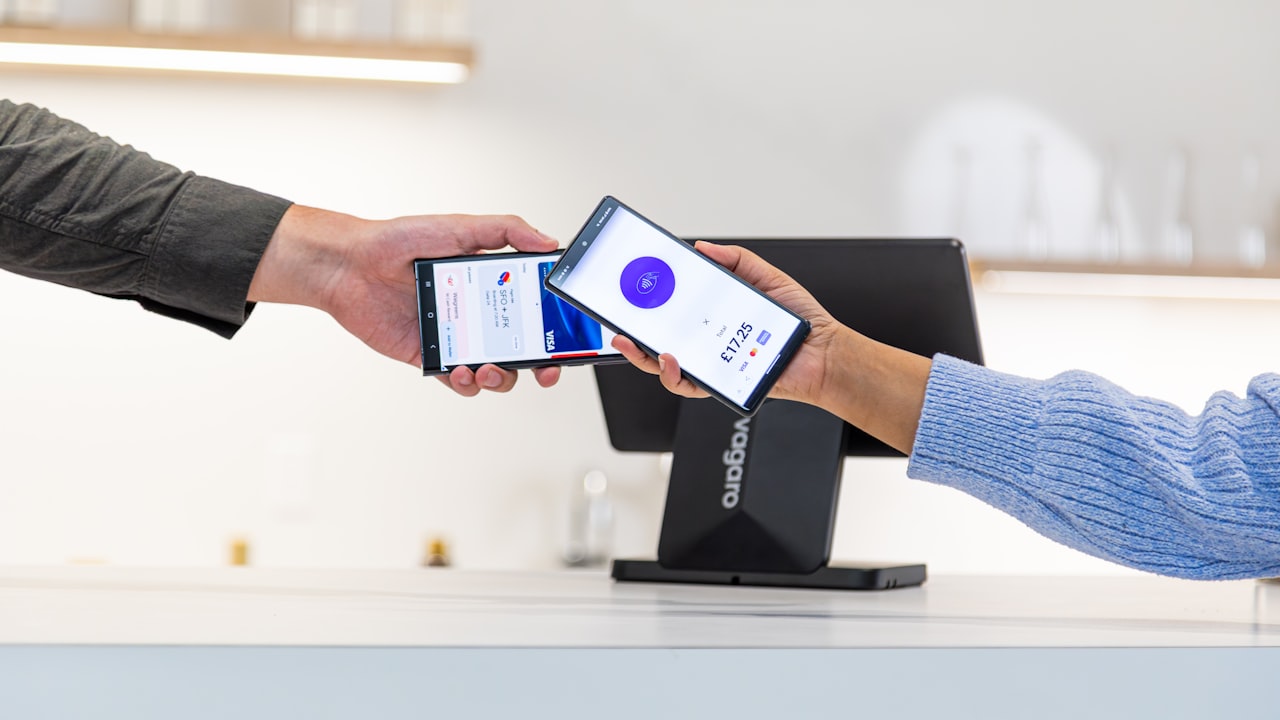
The bottom line: crypto card declined is frustrating but rarely final. The fix depends on the root cause. Non-custodial cards like ether.fi Cash have lower decline rates than custodial competitors because they require fewer risk checks. If you’re tired of traditional-card frustration and crypto-card declines, a compliance-first non-custodial card bridges the gap.